
Prusament’s New Foaming PLA: How It Reduces Print Weight by 65%
If you want lighter 3D prints without simply making the walls thinner, Prusa has introduced a new material worth watching. Prusament PLA Lightweight is an actively foaming PLA that can make finished prints up to 65% lighter than regular PLA. It does this by expanding inside the nozzle during printing.
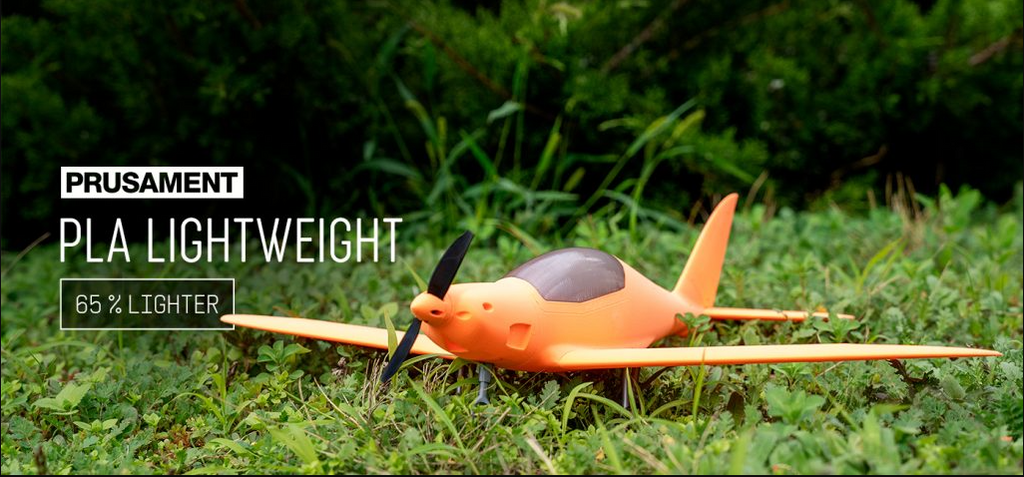
The material is aimed at projects where weight matters. That includes RC aircraft, drones, airships, cosplay parts, floating objects, and lightweight design components. It also creates a distinctive matte surface that can hide normal FDM layer lines.
What Is Prusament PLA Lightweight?
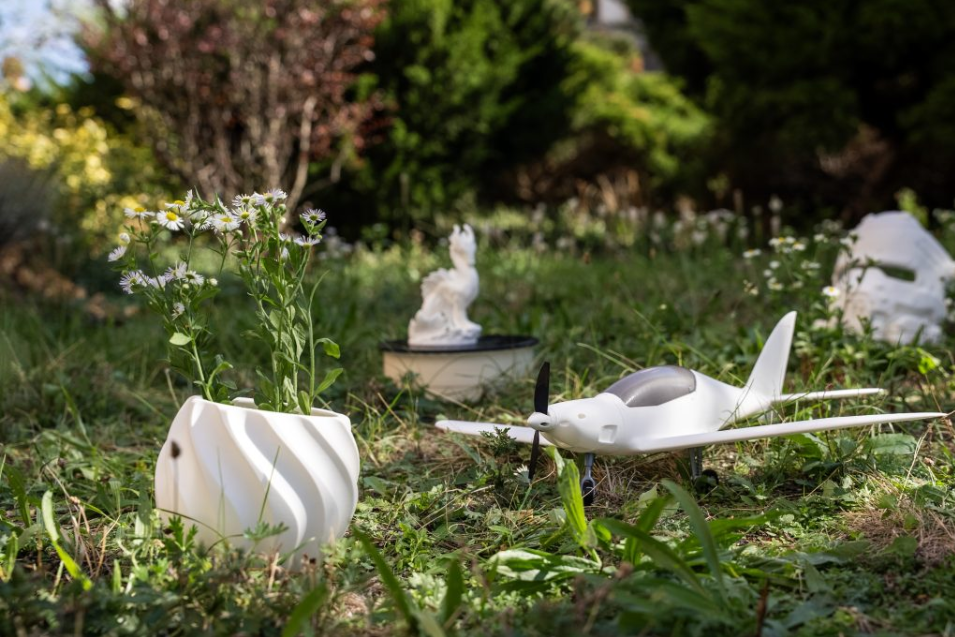
Prusament PLA Lightweight is an advanced variant of PLA that actively foams. It differs from regular PLA in that it has additives that, when heated, expand.
In the nozzle, these additives come to life when the filament is hot enough. As it expands during extrusion, the material creates a structure with numerous tiny air pockets.
Because of this, the quantity of material required to produce the same volume fluctuates. The resulting printouts can be as much as 65% lighter than standard PLA, according to Prusa. Also, according to the business, you can make twice as many models out of a 1 kg spool as you would with regular PLA.
How Does the 65% Weight Reduction Work?
The key is expansion. With regular PLA, the filament mainly keeps its original density as it leaves the nozzle. PLA Lightweight behaves differently. Heat activates the foaming additives, causing the material to expand.
The resulting print contains a foamy internal structure with many air pockets. You therefore get more printed volume from the same amount of raw filament.
The exact weight reduction depends on how the material is printed. Nozzle temperature and print settings control the amount of foaming, so the 65% figure should be treated as the maximum claimed reduction rather than something every print will automatically achieve.
Temperature Controls the Foaming
Temperature is one of the most important settings when printing PLA Lightweight. Prusa says foaming begins around 215°C with its standard profiles. It becomes strongest around 235°C. At that temperature, the extruded material reaches its lowest weight, and the printed color becomes noticeably lighter.
Going hotter does not provide a meaningful additional weight reduction. Instead, it can hurt surface quality and increase the risk of material degradation.
Prusa specifically warns users not to exceed 250°C, because potentially dangerous fumes may be produced above this temperature. This makes temperature calibration important. A small temperature change can alter how much the filament expands.
Recommended Printing Settings
Prusa provides a standard profile designed to balance foaming, strength, and print quality.
The default profile uses a 230°C nozzle temperature, 60°C heatbed, and an extrusion multiplier of 0.45. Retractions are turned off in the default profile because the expanding material can make normal retraction behavior less effective.
The current Prusa product page lists a broader nozzle range of 215–235°C and a bed temperature range of 50–60°C. It recommends a 0.4 mm brass nozzle and Smooth PEI or Satin sheets.
Prusa currently lists support for CORE One+, CORE One+ Gen 2, CORE One L+, XL+, and MK4S profiles.
You Need to Calibrate the Extrusion Multiplier
You cannot simply change the temperature and expect the same extrusion settings to work. As the material foams more, the extruded volume increases. If the extrusion multiplier is too high, the print can suffer from over-extrusion.
Prusa recommends starting with a small calibration cube. Its suggested test uses a 0.4 mm nozzle, zero infill, zero top layers, and one perimeter. You can then measure the resulting wall thickness with a caliper and adjust the extrusion multiplier. This is especially important if you want to maximize the weight reduction at higher temperatures.
Why Is It Useful for RC Aircraft?
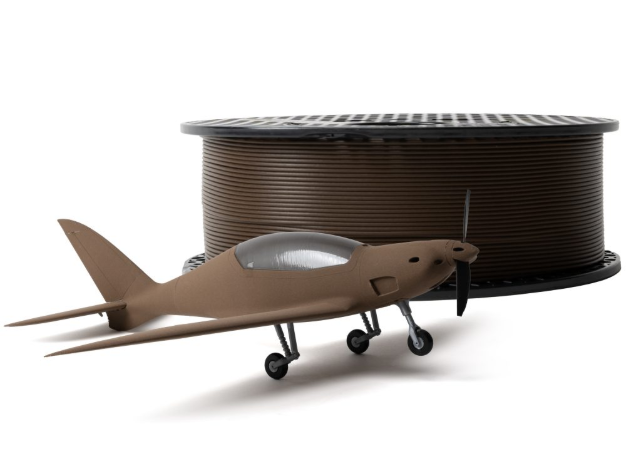
Weight is extremely important in flying models. Every extra gram can affect how an RC aircraft, drone, or airship behaves. A lighter printed component can reduce the overall weight of the model and leave more room for batteries, electronics, or other components.
Prusa specifically highlights RC aircraft, drones, and airships as applications for PLA Lightweight. The company showcases an RC Shark aircraft printed with the material. The material can therefore be useful for makers who need large printed structures without making every wall extremely thin.
Good for Cosplay and Wearables
Weight also matters when you are wearing a 3D-printed object. Large helmets, masks, armor pieces, props, and costume components can become uncomfortable after several hours. Using a lightweight foaming material can reduce the mass of these parts.
Prusa specifically lists costume and cosplay parts as applications. The foamed structure can also give the printed surface a distinctive appearance.
A Matte, Textured Surface
There are other noteworthy aspects besides the weight loss. The surface of PLA Lightweight is matte and slightly rough. Compared to glossy filament, the texture is better at hiding FDM layer lines.
The look can be similar to an SLS-printed surface, according to Prusa. Foaming also alters the printed hue. More foaming occurs at higher temperatures, which gives the impression of a paler tint.
For example, Prusa's Galaxy Black filament can produce a much lighter, concrete-like dark gray appearance after printing. This makes the material interesting for props, decorative models, and interior-design pieces as well as lightweight engineering projects.
It Can Also Provide Thermal Insulation
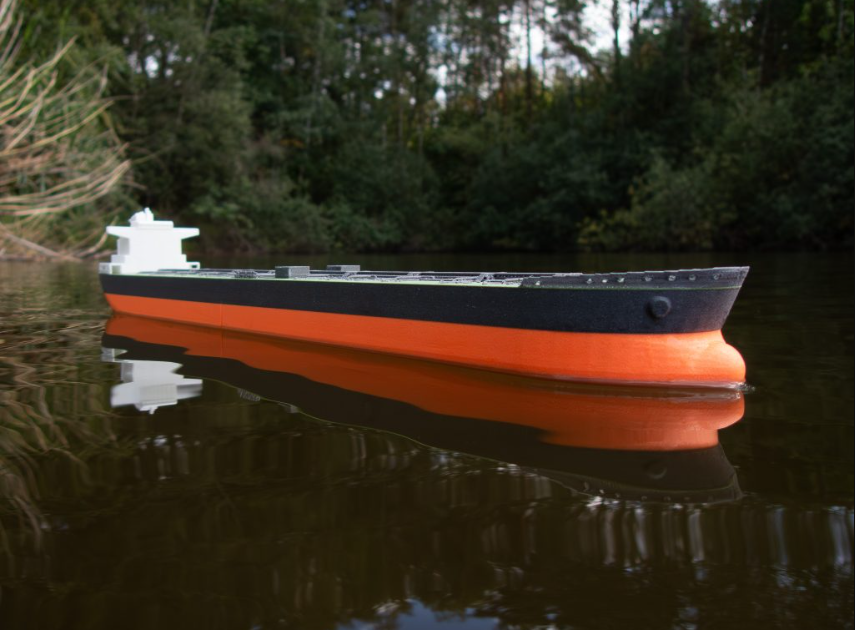
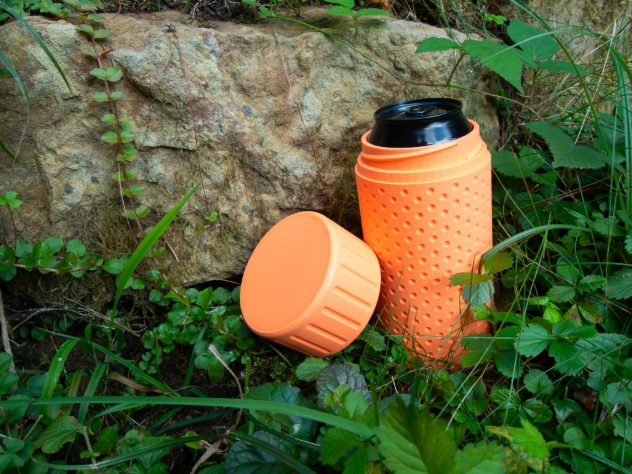
The air pockets inside the foamed material provide another useful property. Prusa says PLA Lightweight offers increased thermal insulation compared with conventional PLA. This can be useful for applications such as bottle sleeves and thermal-insulation inserts.
The material also floats well on water, opening up applications where buoyancy matters. These properties come from the same basic feature: the foamed structure contains a large amount of air.
Stringing Is a Major Challenge
There is a trade-off. Foaming causes the material to expand as it leaves the nozzle. This also increases the tendency to ooze during travel moves.
As a result, stringing can be significant. Prusa recommends printing one model at a time and using PrusaSlicer's Avoid crossing perimeters feature with a maximum 40 mm detour. Sequential printing can also help with small models. Stringing can usually be removed afterward with a knife or by hand. This means PLA Lightweight is not quite as plug-and-play as ordinary PLA.
Drying Is Important
PLA Lightweight is hygroscopic, meaning it can absorb moisture from the air. Prusa recommends drying it for 5 hours at 55°C and storing it in a dry environment.
Keeping the filament dry is especially important when working with a material that already has unusual extrusion and foaming behavior. Moisture can make printing less consistent and can affect the final surface.
What Are Its Limitations?
You can't just use PLA Lightweight in place of regular PLA. Due to the foaming process, the material has poor temperature resistance, is relatively scratchable, and tends to thread visibly.
Additional testing is also necessary. The quantity of foaming, which varies with temperature and other print parameters, determines the appropriate extrusion multiplier. Traditional engineering filament might be better suited for robust, heat-resistant functional components. When minimization of weight is paramount, PLA Lightweight is the way to go.
How Much Does It Cost?
Prusa launched PLA Lightweight in five colors: Army Green, Chocolate Brown, Galaxy Black, Natural, and Coral Orange.
The current official Prusa store lists a 1 kg spool at $52.69 for several colors. Prusa's announcement lists a launch price of $56.99 / €59.90 including VAT, so pricing can vary by market and current store pricing. Prusa also sells small 25 g samples, which can be useful before committing to a full spool.
Best 3D Modeling Software
SelfCAD can be useful when designing models specifically for lightweight foaming PLA. Its Resolution, Simplify Object, Fillet, and Chamfer tools let you refine geometry, reduce unnecessary detail, and create cleaner edges before slicing. You can also adjust wall-friendly shapes and remove excess geometry to make models more suitable for lightweight printing. This makes SelfCAD a practical 3D design tool to pair with Prusament PLA Lightweight when the goal is to reduce print weight without simply making the model smaller.
Is Prusament PLA Lightweight Worth Trying?
When regular PLA becomes too cumbersome, Prusament PLA Lightweight becomes an intriguing alternative. The combination of active foaming, a matte surface, reduced material consumption, and a print weight that is up to 65% lower is its main advantage. Suitable designs can also benefit from the material's economy of scale, which allows for two to three times the production of models from the same spool weight.
However, it requires more attention than ordinary PLA. A number of factors influence foaming, including temperature, the requirement to calibrate extrusion, the prevalence of stringing, and the correct drying of the filament.
Prusament PLA Lightweight does not magically make prints lighter; this is the most important thing to remember. It creates a lighter construction with higher volume from less filament by using heat-activated foaming to expand the material during extrusion. Compared to standard PLA, it can reduce the completed print weight by up to 65% at its highest claimed decrease.