
How AI Is Changing the 3D Modeling Workflow
A freelance designer finishes a product model in SelfCAD, exports it, and sends it to a client. Two years ago, that export was the end of the job. Today it's often the start of a second one: turning that single file into ten camera angles for an e-commerce listing, a rotating configurator for a website, and a batch of synthetic renders for a computer vision project that has nothing to do with the original brief. The modeling itself hasn't gotten harder. What happens to the model afterward has gotten a lot more complicated.
That shift is why tools built around an AI Visual Platform approach (software that manages, generates, and publishes 3D content rather than just helping you build it) have started showing up in workflows that used to end at export. They're not replacing CAD software. They're picking up where it stops.
The Old Workflow: One File, One Purpose
For most of the last two decades, a 3D model had a single destination. A mechanical part went to a manufacturer. A game asset went into an engine. A product render went to a marketing deck. One file, one output, one team touching it.
That model breaks down once a single asset needs to serve five different purposes: a hero shot for the homepage, a 360-degree spin for the product page, a size-comparison overlay, an AR preview, and a dataset entry for a machine learning pipeline. Doing that by hand means re-rendering, re-exporting, and re-uploading the same geometry five separate times, usually through five separate tools.
Where AI Actually Changes Things
The part that gets the least attention is also the part that matters most. Generation (building a 3D object from a text prompt or a reference image) gets the headlines, but the real shift is that generation is now paired with management. The same system that creates or ingests a model can version it, route it through approval, and push it to multiple outputs automatically.
That pairing matters more than the generation step alone. A generated mesh nobody can find six months later, or one that three teams have independently re-exported in slightly different versions, causes the same problems a hand-modeled file does. AI removes friction at the creation stage. It doesn't automatically fix what happens after.
The Real Bottleneck Is Downstream, Not Upstream
Ask a studio running more than a handful of SKUs which part of the pipeline eats the most time, and it's rarely the modeling. It's the handoffs: exporting to the right format for each platform, keeping a texture update in sync across a dozen product variants, and figuring out which file is the approved one after three people have edited it this month.
This is where digital asset management has quietly become as important as the modeling tools themselves. A four-person design team can lose the better part of a day each week just tracking down current file versions and re-exporting for different channels. That isn't a modeling problem. It's an infrastructure problem, and it's the one AI-driven visual platforms are actually built to solve. Not by changing what the artist does, but by making everything after the artist's job faster.
Synthetic Data: A New Destination for the Same Models
There's a second, less obvious shift happening alongside asset management: 3D models are increasingly raw material for training data, not just visual content. A CAD model built for a product listing can be rendered from thousands of angles, under varied lighting, with procedural variation added, to produce a synthetic dataset for a computer vision model.
For a robotics or industrial vision team, building that dataset by hand (photographing real objects from every angle and condition) is slow and expensive. Starting from an existing 3D model and generating controlled synthetic variations is faster, and it lets teams create edge cases that are hard to capture with a camera, like rare lighting conditions or unusual object orientations. Designers who assumed their models had one life, as a product image or a game asset, are increasingly finding they have a second one feeding AI training pipelines they never expected to touch.
8 of the Best AI Tools for 3D Modeling Right Now
Since generation is the entry point to everything described above, which tool produces the first mesh is worth choosing deliberately: it determines how much cleanup the rest of the pipeline has to absorb. These eight cover most of what a designer or small studio runs into in practice.
|
|
|
|
|
|
|
|
|
|
|
|
|
|
|
|
|
|
|
|
|
|
|
|
|
|
|
Which one fits depends on what's downstream: a quick concept, a print-ready file, or an asset that needs to feed a larger library.
1. SelfCAD AI
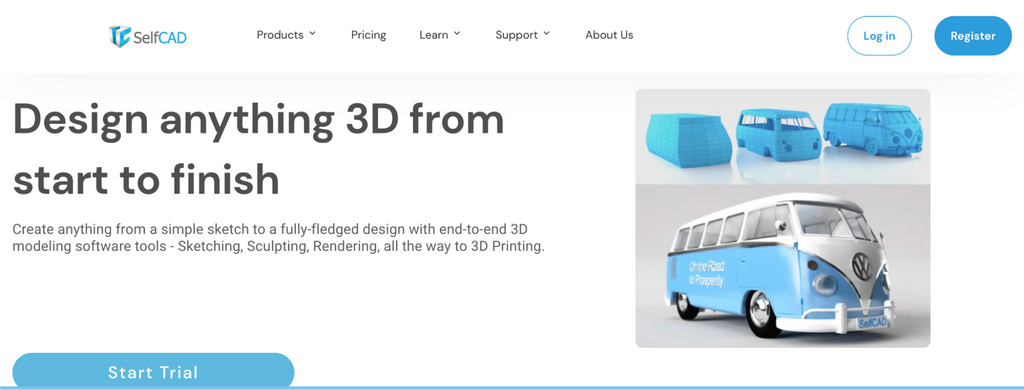
SelfCAD AI is a collection of AI-powered tools designed to simplify 3D modeling by helping users generate, modify, and refine 3D models using text prompts and other inputs. Whether you're starting from scratch or improving an existing design, these features make it easier to explore ideas, customize models, and create 3D-printable objects without requiring advanced modeling skills.
Key Features
-
Text-to-3D: Generate 3D models from text descriptions.
-
Functional AI: Create or improve practical models designed for specific purposes.
-
Organic AI: Generate and refine organic shapes with natural, flowing forms.
-
Profile AI: Create 3D shapes based on 2D profiles.
-
Follow-up Prompts: Continue refining a model by providing additional instructions.
Price: $1 for 1 Credit.
2. Meshy AI
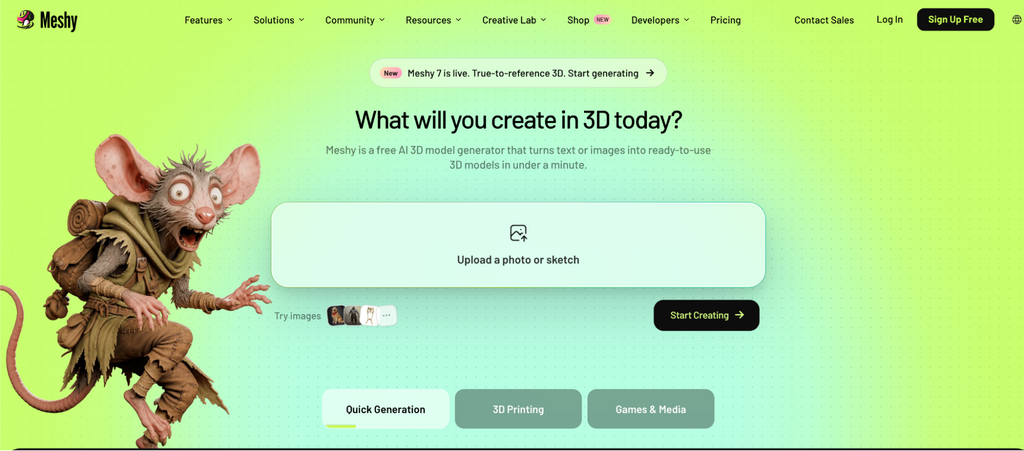
Meshy's generation interface, with a prompt panel for text or image input and a community feed of generated models below it
Meshy covers more of the pipeline than most generators: text-to-3D and image-to-3D creation, then AI texturing, auto-rigging, and animation in the same tool. That combination is why it shows up often in game asset pipelines, where a studio needs a rigged, textured character rather than just raw geometry.
Key AI features:
- Text-to-3D and image-to-3D generation
- AI PBR texturing on existing or generated meshes
- Auto-rigging and animation for characters
- Mobile app for generating a model directly from a phone photo
Price: Free plan with 100 credits a month, no card required. Pro and Studio plans scale from there, with Studio priced per seat (roughly $60/seat/month, two-seat minimum) and Enterprise available on custom terms.
3. Tripo3D
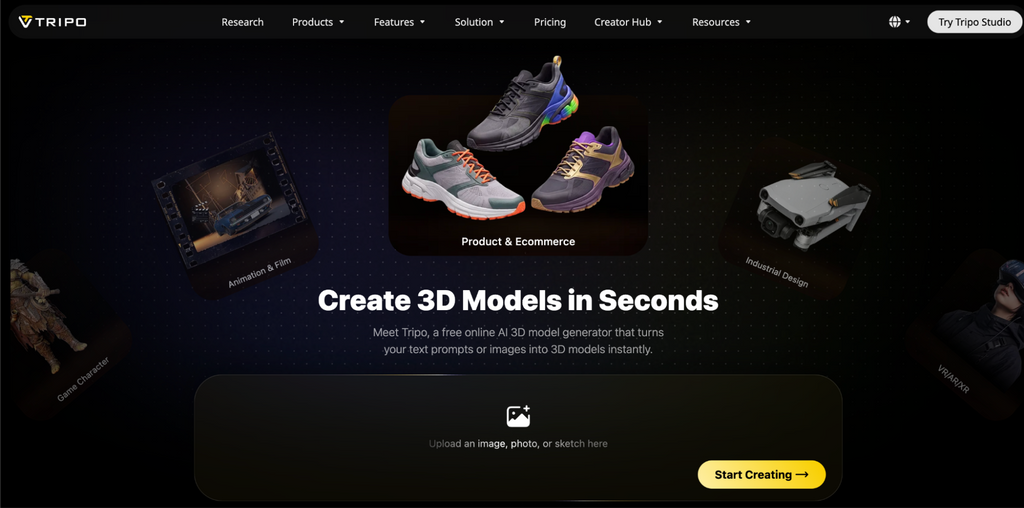
Tripo Studio's workspace, showing the image-to-3D generation panel above a gallery of community-generated models
Tripo3D is built for speed. Generation is fast enough to iterate through several directions before committing to one, and the free tier is generous enough to actually use for early concepting rather than just a trial gate.
Key AI features:
- Text-to-3D and image-to-3D with "Best Quality" and "Clean Topology" modes
- Tripo Studio workspace for organizing and editing generated assets
- DCC Bridge for pushing models into other 3D software
- API access for programmatic generation
Price: Free plan at $0/month (around 300 credits, CC BY 4.0 license, no commercial rights). Pro runs about $20/month billed monthly or roughly $12/month billed yearly. Max and Team plans scale further for studios generating at higher volume.
4. Hyper3D Rodin
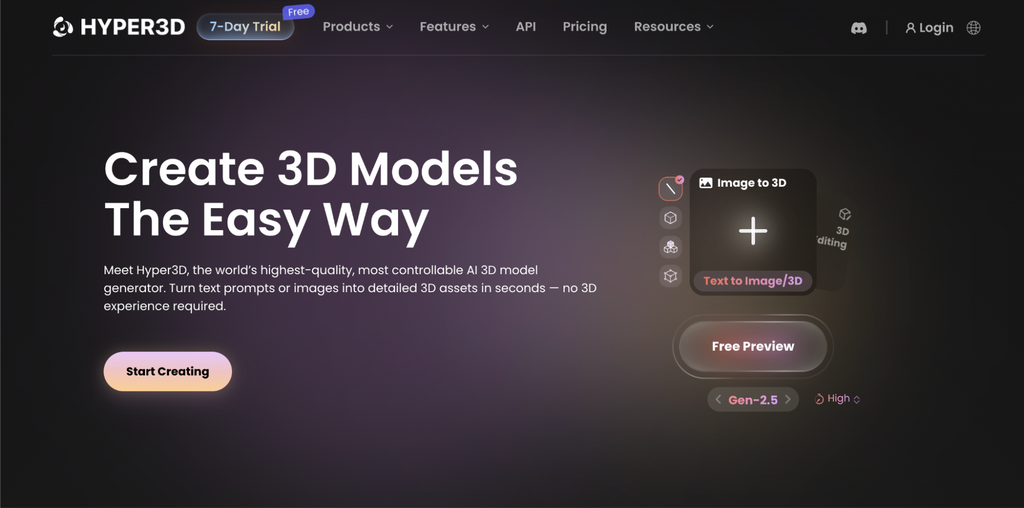
Rodin's generation panel, with image-to-3D upload, a Generate button, and Asset/Explore tabs for browsing outputs
Rodin is the one many teams route final production assets through, since the geometry it produces tends to need the least manual cleanup before it's usable. A single reference image is often enough to generate a workable object, and its 3D ControlNet options give more precise control over the output than a plain prompt box.
Key AI features:
- Image-to-3D from a single reference image, plus text-to-3D
- 3D ControlNet (bounding box, voxel, point cloud) for guided generation
- Partial editing of specific mesh regions without regenerating the whole model
- Multiple export formats: STL, FBX, OBJ, GLB, GLTF, USDZ
Price: Free tier with pay-per-result credits (about $1.50 each). Creator is $30/month ($24/month billed yearly). Business is $120/month ($96/month billed yearly). Enterprise pricing is custom.
5. Luma AI

Luma's landing interface, showing a prompt box for generating creative assets from a text description
Luma started as one of the more approachable entry points for turning captured or referenced real-world objects into 3D geometry, and the company has since expanded into a broader multimodal creative platform spanning video, image, and 3D generation. For a designer who just wants to try generative 3D without a steep learning curve, it's still one of the easiest places to start.
Key AI features:
- Multimodal generation spanning video, image, audio, and 3D
- Rapid iteration across multiple generated variants
- Brand-consistent style controls for generated assets
- API access for embedding generation into other tools
Price: Free trial available. Paid plans are reported starting around $30/month, scaling to roughly $90 and $300/month for higher credit allowances, with Team and Enterprise pricing available through sales.
6. Spline AI
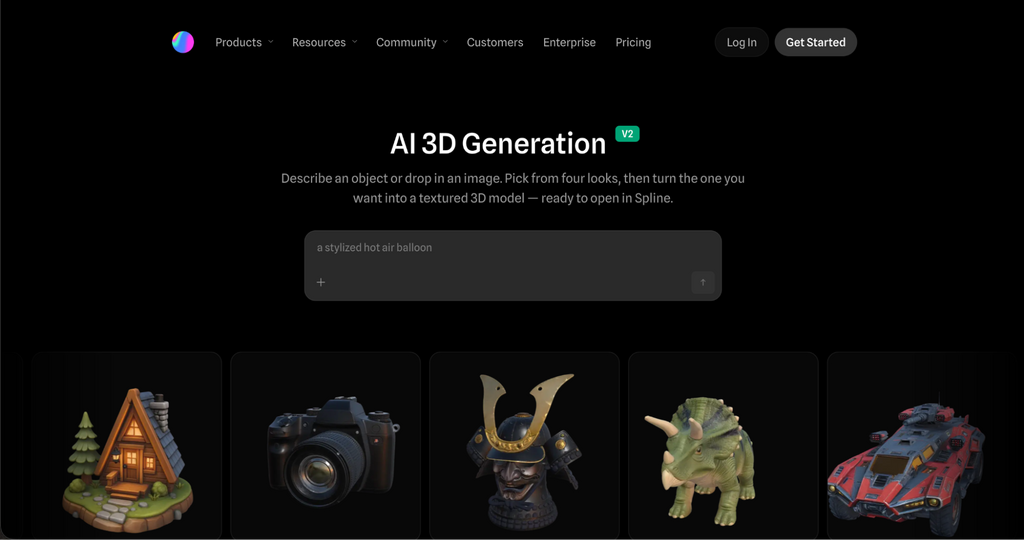
Spline's community gallery, showing published 3D scenes and projects built with the platform
Spline is less a modeling tool in the traditional sense and more a real-time, web-native 3D design environment with AI generation built in. It's the obvious pick for a web or product team that needs an interactive 3D scene embedded in a site, rather than a static render or a print file.
Key AI features:
- AI 3D and texture generation inside the editor
- AI image generation, background removal, and upscaling on paid plans
- Real-time, interactive scenes exportable to web, iOS, and Android
- Built-in AI agent for in-editor assistance
Price: Free plan at $0/month (personal files, watermarked web exports). Hobby is $12/month billed yearly ($15/month monthly). Pro is $25/month billed yearly ($30/month monthly). Max is $60/month billed yearly ($70/month monthly). Enterprise is custom.
7. Kaedim
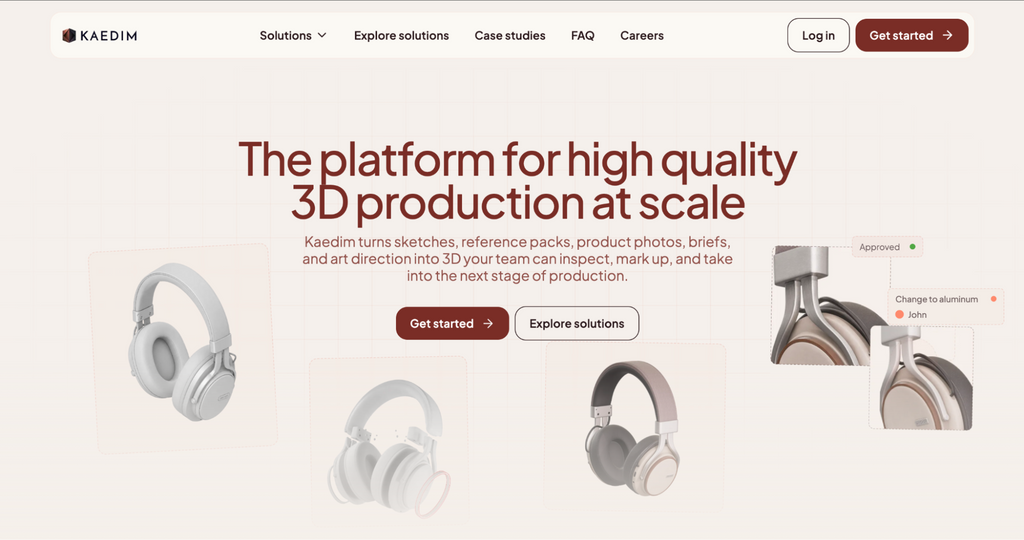
Kaedim's brand mark; the platform's generation workspace is not publicly viewable without an account
Kaedim occupies a different niche than the generation-first tools above: it converts sketches, reference photos, and art-direction briefs into 3D assets through a workflow that includes human review before delivery. That makes it slower than a pure prompt-to-mesh tool, but it's still common in studio pipelines where visual consistency with an existing art bible matters more than speed.
Key AI features:
- Converts sketches, photos, and reference packs into 3D assets
- Collaborative markup and revision workflow for creative feedback
- Style-consistency tools that ingest art bibles and reference specs
- Per-project output isolation, with outputs not used to train shared models
Price: Kaedim has moved to custom, quote-based pricing tied to monthly asset volume rather than public self-serve tiers. Earlier public plans were reported from around $150 to $1,000+ a month depending on volume; current pricing requires contacting their sales team.
8. Sloyd
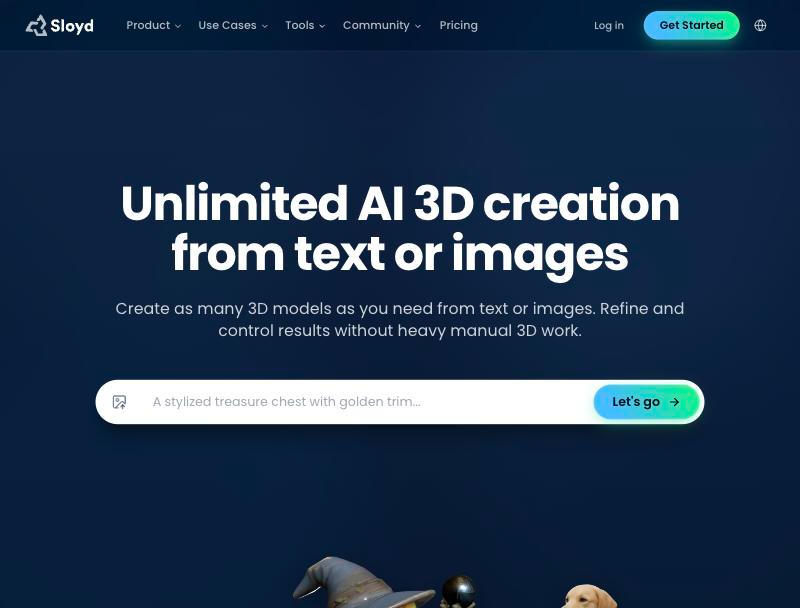
Sloyd's homepage generator, with a prompt box for creating a 3D model from text or an image
Sloyd pairs text-to-3D and image-to-3D generation with a parametric template editor, so a generated asset can be adjusted with sliders and toggles instead of regenerated from scratch. It's aimed at game developers who need assets that drop straight into an engine.
Key AI features:
- Text-to-3D and image-to-3D generation
- Parametric template editor with sliders and toggles for precise control
- AI rigging, animation, and 4K retexturing
- Plugins for Unity, Unreal, and Blender; exports to GLB and OBJ
Price: Free guest plan with one AI generation per day (personal use only). Plus is $12.50/month billed yearly ($15/month monthly), with unlimited generations and a commercial license. Pro is $41.67/month billed yearly ($50/month monthly), with more credits, parallel generations, and priority support.
What This Means for Individual Modelers and Small Teams
Not every SelfCAD user is managing a fifty-person asset pipeline, and most won't need to think about synthetic data at all. But the underlying lesson applies at any scale: a model's value doesn't stop at export. Before shipping a file, a few practical questions are worth asking:
|
|
|
|---|---|
|
|
|
|
|
|
|
|
|
None of this requires abandoning a familiar modeling tool. It means treating the model as the first stage of a longer pipeline instead of the finished product. The teams adapting fastest aren't the ones running the most complex software. They're the ones who stopped treating export as the finish line.