
8 Useful Anycubic Materials and Best Settings for Them
Choosing the right 3D printing material affects how strong, detailed, flexible, and accurate your final model will be. Anycubic offers several filament and resin options for different projects, from everyday household parts to flexible components, detailed miniatures, and functional prototypes.
However, each material needs suitable printing temperatures, bed settings, and other parameters. Using the wrong settings can cause poor bed adhesion, stringing, warping, brittle parts, or failed prints. Below are some of the best Anycubic materials to consider, along with their key specifications, recommended starting settings, and current official-store prices.
1. Anycubic PLA Basic
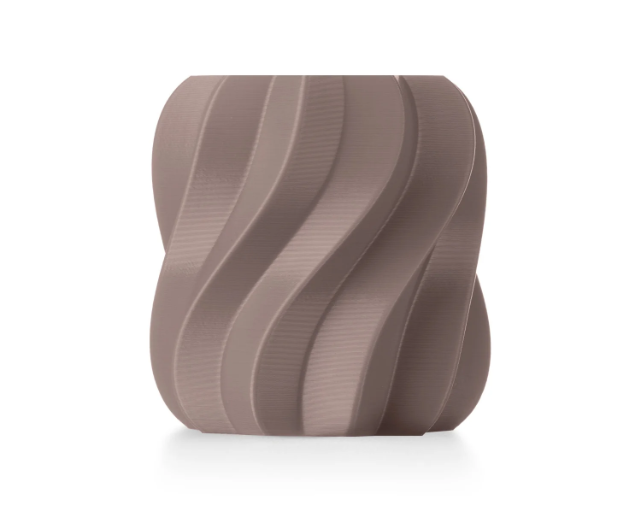
For those just getting their feet wet in 3D printing or for general use, Anycubic PLA Basic is an excellent choice. Parts that do not need to endure high temperatures, such as ornamental models, toys, organizers, and prototypes, are appropriate for this material. PLA is a great material to experiment with while learning the effects of temperature, speed, and cooling on print quality because it is easy to print with and doesn't distort as much as ABS.
PLA Basic is ideal for simple shapes and intricate details. For components subjected to high temperatures or frequent mechanical stress, it may not be the ideal option, but for everyday tasks, it strikes a good mix between price and usability.
Specifications
- Material: PLA
- Recommended nozzle: 0.2 mm or larger
- Nozzle temperature: 190–230°C
- Bed temperature: 55–65°C
- Drying: Recommended
Best Settings
- Nozzle: Start at 210°C
- Bed: 60°C
- Layer height: 0.2 mm for general prints
- Cooling: High fan after the first layers
- Speed: Start around 50–100 mm/s; follow your printer's limits
Price: Approximately €15.99 per 1 kg spool
2. Anycubic PLA+
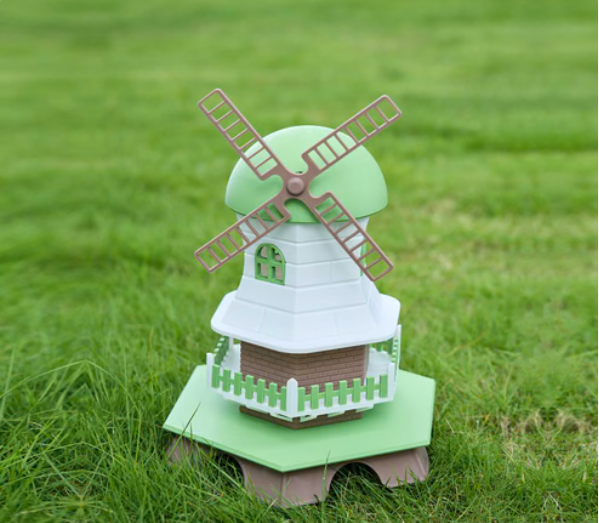
If you require a little additional durability from a regular PLA print, Anycubic PLA+ is a good option to investigate. Functional models, brackets, enclosures, toys, and pieces that may occasionally receive impacts can benefit from this. It can be a useful enhancement without having to move to a more difficult engineering filament since it is quite straightforward to print, just like conventional PLA.
PLA+ is not a one-size-fits-all solution for all technical materials. How the part's shape, layer orientation, and print settings affect its exact strength and flexibility are all factors to consider. Rather than depending solely on material choice, incorporate sufficient walls and appropriate infill to create functional components.
Specifications
- Material: PLA+
- Recommended nozzle: 0.2 mm or larger
- Nozzle temperature: 190–230°C
- Bed temperature: 55–65°C
- Drying: Recommended
Best Settings
- Nozzle: Start at 210–220°C
- Bed: 60°C
- Layer height: 0.2 mm
- Cooling: High fan for bridges and detailed models
- Strength: Use 3–5 walls for functional parts
Price: Approximately €21.49 per 1 kg spool
3. Anycubic PETG
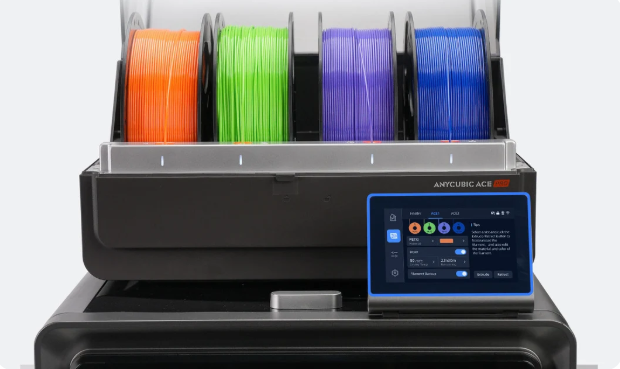
If your functional part requires greater heat resistance and hardness than what PLA prints often offer, PETG is a great material to consider. Useful for a variety of workshop accessories, including brackets, tool holders, containers, covers, and more. While the final product's performance is design- and environment-dependent, it provides superior resistance to moisture compared to PLA in numerous commonplace uses.
PETG has a higher propensity than PLA to get nozzle accumulation and stringing. You can get a better finish by drying the filament before printing and adjusting the retractions. In addition, PETG has a tendency to cling to certain build surfaces; thus, it is important to adhere to the release instructions provided by the plate maker in order to prevent surface damage.
Specifications
- Material: PETG
- Recommended nozzle: 0.2 mm or larger
- Nozzle temperature: 230–250°C
- Bed temperature: 60–70°C
- Drying: Required
Best Settings
- Nozzle: Start at 240°C
- Bed: 65°C
- Layer height: 0.2 mm
- Cooling: Moderate, adjusted for bridging
- Retraction: Calibrate to reduce stringing
Price: Approximately €14.99 per 1 kg spool
4. Anycubic ABS Filament
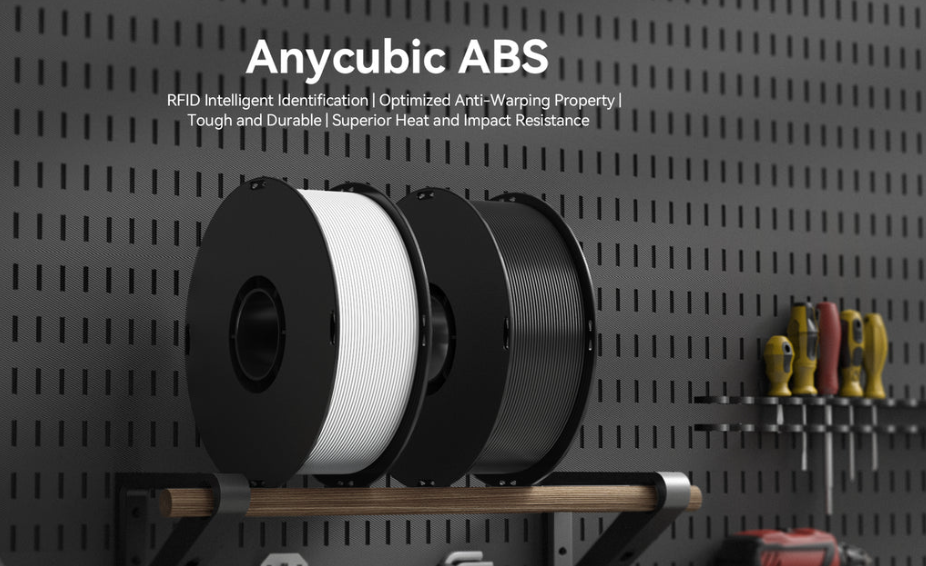
Projects requiring higher heat resistance than PLA are ideal for ABS. Useful for items that could get hot, such as housings for equipment, components for workshops, prototypes for cars, and other functioning pieces. But ABS can shrink and distort as it cools, making it more challenging to print with.
If you want a more consistent printing environment, a completely enclosed printer is your best bet. Be sure to employ adequate ventilation when printing ABS because it can also create noxious vapors. Do not print it in a space that is too crowded or has inadequate ventilation, and don't think that an enclosure will eliminate the need for filtration or exhaust on its own.
Specifications
- Material: ABS
- Recommended nozzle: 0.4 mm or larger
- Nozzle temperature: 240–280°C
- Bed temperature: 80–100°C
- Printer: Fully enclosed printing recommended
Best Settings
- Nozzle: Start at 250°C
- Bed: Start at 90°C
- Cooling: Low fan, adjusted for bridges
- Enclosure: Keep the chamber temperature stable
- Adhesion: Use a compatible build surface and brim if needed
Price: Approximately €21.99 per 1 kg spool
5. Anycubic TPU 95A
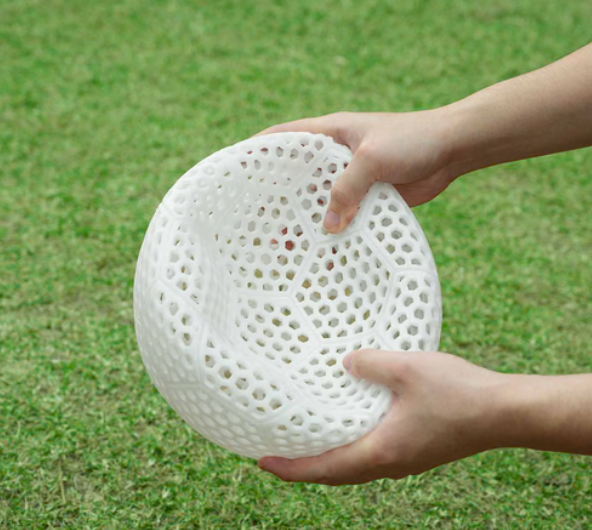
If your component needs to be able to compress or bend rather than stay stiff, consider using Anycubic TPU 95A, a flexible filament. Wearable attachments, gaskets, grips, flexible feet, and protective covers are common uses. Even though an elastomer with a 95A hardness rating is likely to be flexible, the way the finished product feels will vary according to factors like wall thickness and internal geometry.
The soft filament of TPU can buckle or bend inside the feed stream, which causes the print speed to be typically slower than that of PLA. Flexible filament is typically easier to work with when using a direct-drive extruder. Moisture causes extrusion inconsistencies, bubbles, and rough surfaces; hence drying is equally crucial.
Specifications
- Material: TPU 95A
- Recommended nozzle: 0.4 mm or larger
- Nozzle temperature: 195–230°C
- Bed temperature: 50–60°C
- Drying: Required
Best Settings
- Nozzle: Start at 215°C
- Bed: 55°C
- Speed: Start at 20–40 mm/s
- Retraction: Low; calibrate to prevent filament buckling
- Feed path: Direct drive preferred
Price: Approximately €27.15 per 1 kg spool
6. Anycubic PLA-CF
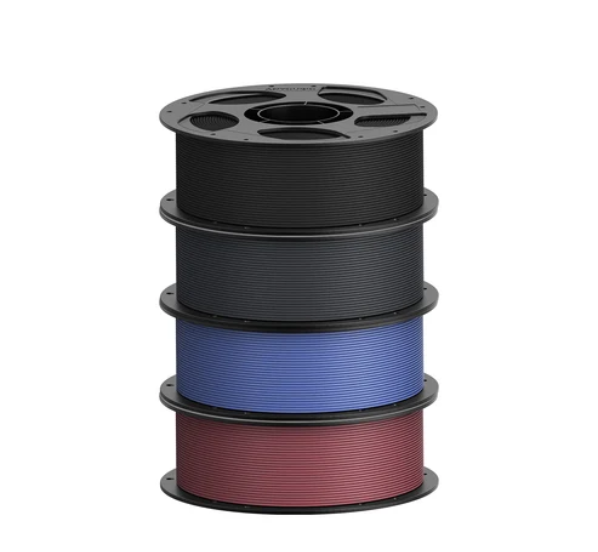
PLA-CF combines PLA with carbon-fiber reinforcement. It is useful for rigid-looking parts, brackets, fixtures, and models where a matte surface and reduced visible layer lines are desirable. The reinforcement can improve stiffness, but it does not automatically make every part stronger in every direction. Layer adhesion and part geometry still matter.
Because carbon fibers are abrasive, use a hardened-steel nozzle or another nozzle rated for abrasive composites. A standard brass nozzle can wear quickly. PLA-CF is also worth testing on a small sample before printing a large part, particularly when dimensional accuracy or a specific surface finish is important.
Specifications
- Material: Carbon-fiber-reinforced PLA
- Recommended nozzle: Hardened steel, 0.4 mm or larger
- Nozzle temperature: 210–250°C
- Bed temperature: 55–70°C
- Drying: Recommended
Best Settings
- Nozzle: Start at 230°C
- Bed: 60°C
- Layer height: 0.2 mm
- Cooling: Moderate to high, depending on geometry
- Hardware: Hardened nozzle required for regular use
Price: Approximately $82.08 per 4 kg spool
7. Anycubic Standard Resin V2
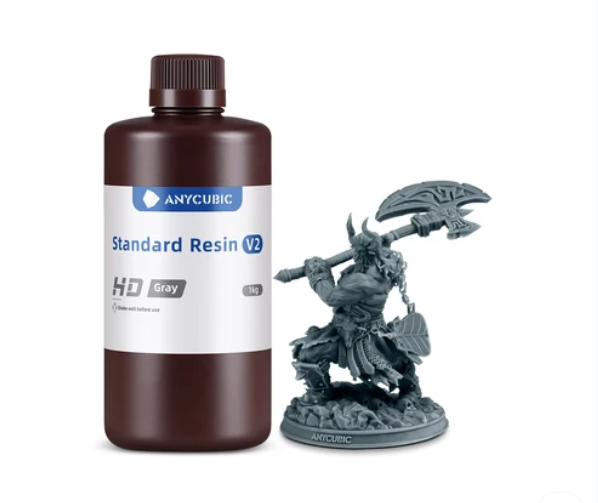
Standard Resin V2 is designed for resin printers that use UV-curable photopolymer resin. It is a good option for detailed miniatures, display models, prototypes, and parts where fine features and smooth surfaces matter more than the larger build volume available from many FDM printers.
Unlike filament, resin settings depend heavily on the printer's screen, light source, layer height, and lift mechanism. Exposure that works on one Photon model may be too high or too low on another. After printing, the part must be washed and UV-cured according to the resin's instructions. Wear suitable gloves and eye protection, avoid skin contact with uncured resin, and follow local disposal guidance.
Specifications
- Material: UV-curable photopolymer resin
- Wavelength: 365–405 nm
- Hardness: 80–83 Shore D
- Tensile strength: 35–45 MPa
- Wash and cure: Required after printing
Best Settings
- Layer height: 0.05 mm
- Normal exposure: Around 2–3 seconds, depending on printer
- Bottom exposure: Around 20–40 seconds
- Print environment: 20–40°C
- Post-processing: Wash for at least 3 minutes; UV-cure as directed
Price: Approximately €27.15 per 1 kg
8. Anycubic ABS-Like Resin 3.0
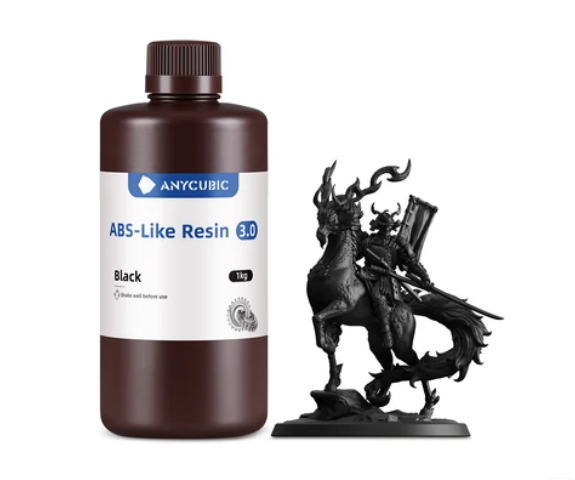
ABS-Like Resin 3.0 is designed for resin prints that need more toughness than many standard-purpose resins. It is suitable for detailed prototypes, model components, electronic enclosures, and parts that may face occasional impacts. Anycubic lists a tensile strength of 38–45 MPa and elongation at break of 25–30%, although real-world performance depends on exposure, curing, and part geometry.
This resin can be useful when you need both fine details and better resistance to cracking. However, it is not the same as FDM ABS and should not be treated as a direct substitute for it. Always use a compatible resin printer and tune exposure settings for the exact printer model.
Specifications
- Material: ABS-like photopolymer resin
- Hardness: 83–86 Shore D
- Tensile strength: 38–45 MPa
- Elongation at break: 25–30%
- Post-processing: Washing and UV curing required
Best Settings
- Layer height: 0.05 mm
- Normal exposure: Start around 2–3 seconds, depending on printer
- Bottom exposure: Start around 20–30 seconds
- Print environment: 20–40°C
- Post-processing: Wash and fully cure according to instructions
Price: Approximately €27.15 per 1 kg bottle
Best 3D Modeling Software
SelfCAD is a user-friendly 3D design tool that helps you create and refine models before printing them with Anycubic materials. Its modeling tools, including Fillet, Chamfer, Simplify, and Resolution, let you adjust shapes, refine details, and prepare geometry for printing. You can also use its built-in slicer to configure print settings and export G-code for compatible 3D printers. SelfCAD is a practical option for beginners who want to design custom models and get more from their Anycubic printer.
How to Choose the Right Anycubic Material
You can't go wrong with PLA Basic as a beginner's or everyday printer filament. PETG is a good option for functional components that require greater heat resistance, whereas PLA+ is a good option for parts that require additional toughness. If you have an enclosed and well-ventilated setup, ABS is the way to go for applications that reach greater temperatures. PLA-CF is great for rigid components with a matte appearance, whereas TPU 95A is ideal for pieces that need to be flexible.
When printing with resin, Standard Resin V2 is an adaptable option for both prototypes and detailed models. Consider ABS-Like Resin 3.0 when durability and impact resistance are paramount. Regardless, begin with the printer profile that is specific to your machine, and print a small test model before committing to a larger one.